
Updated October 4, 2026
How to Register on the Do Not Call Registry: Step-by-Step
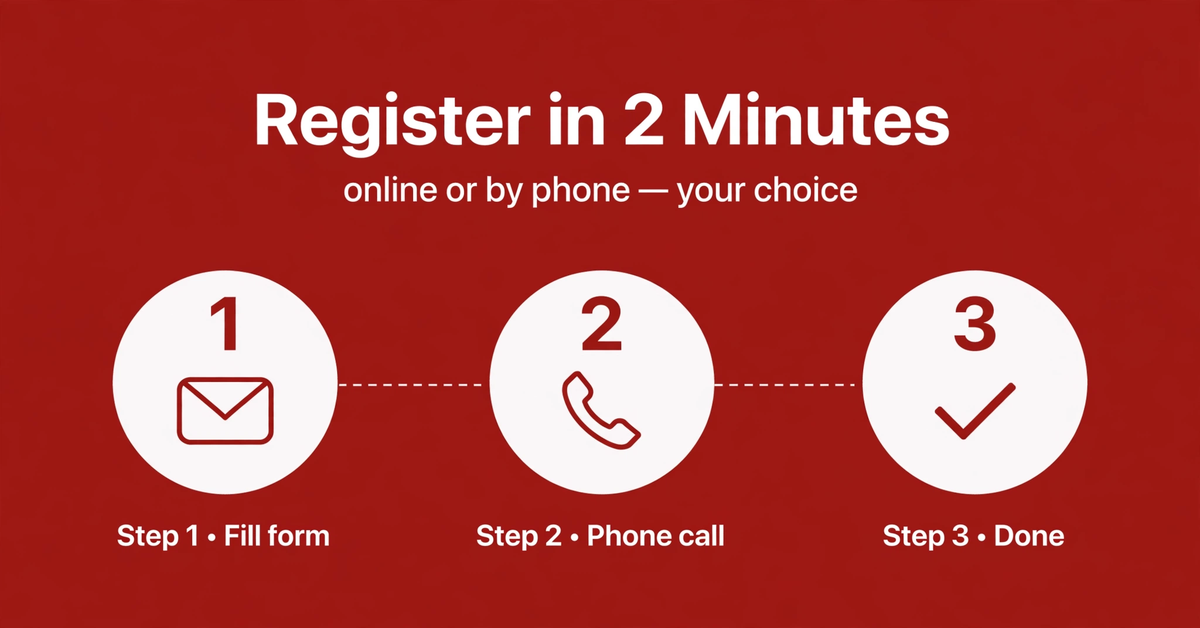
Registering on the National Do Not Call Registry takes about two minutes. Here's exactly how.
Option 1: Register online
- Go to donotcall.gov — the FTC's official registry site. (Type it yourself; don't follow random links.)
- Click the registration option and enter the phone number you want to register — up to three numbers per registration.
- Provide an email address. You'll get a confirmation email — click the link in it within 72 hours or the registration won't complete. This is the step most people miss.
Option 2: Register by phone
Call 1-888-382-1222 (TTY: 1-866-290-4236) from the number you want to register. Follow the prompts. No email confirmation needed for phone registration.
Then wait
Telemarketers have up to 31 days to stop calling. Calls in the first month aren't violations — the law gives companies time to scrub their lists. If sales calls continue after that, report them at donotcall.gov.
Common gotchas
- Expired confirmation link: re-register if you missed the 72-hour email window.
- Business numbers: the registry is for personal numbers; business lines have different rules.
- It won't stop scammers: criminals don't check the registry — see what the registry doesn't stop.
Start from our Do Not Call overview if you haven't.